Premium Smart TV Solutions

Smart TV Support Services

Practical assistance for Smart TV installation, device configuration, internet connectivity, application setup, and everyday troubleshooting. Our guidance is designed to make technical setup easier to understand and simpler to complete.

Contact US

Smart TV Setup and Technical Guidance

Setting up a modern television involves more than simply turning the device on. Network connections, system preferences, application installation, account access, and software updates can all affect how smoothly the television works. SetupIQTV provides straightforward information to help users understand these steps and configure their devices correctly. Our guidance is focused on common Smart TV requirements and everyday configuration tasks. We encourage users to use official device settings, authorized application stores, and manufacturer-supported procedures whenever completing installations or account verification.

Television Setup Assistance

A new television may require several settings to be configured before it is ready for regular use. We provide easy-to-follow guidance for the most important setup stages, helping users understand what each step does and where to find the relevant options on their device.

Initial Device Setup

Initial Device Setup

Guidance for basic television configuration, including language, region, display preferences, and essential system settings.

Network Configuration

Assistance with connecting compatible televisions to Wi-Fi or wired networks and identifying common connectivity issues.

Application Setup

Information about finding compatible applications, completing installations, and managing basic application preferences.

The goal is to provide practical information that helps users move through the setup process without unnecessary confusion.
How SetupIQTV Works

01
Book Your Service

Schedule your installation service quickly with our simple booking process.

02
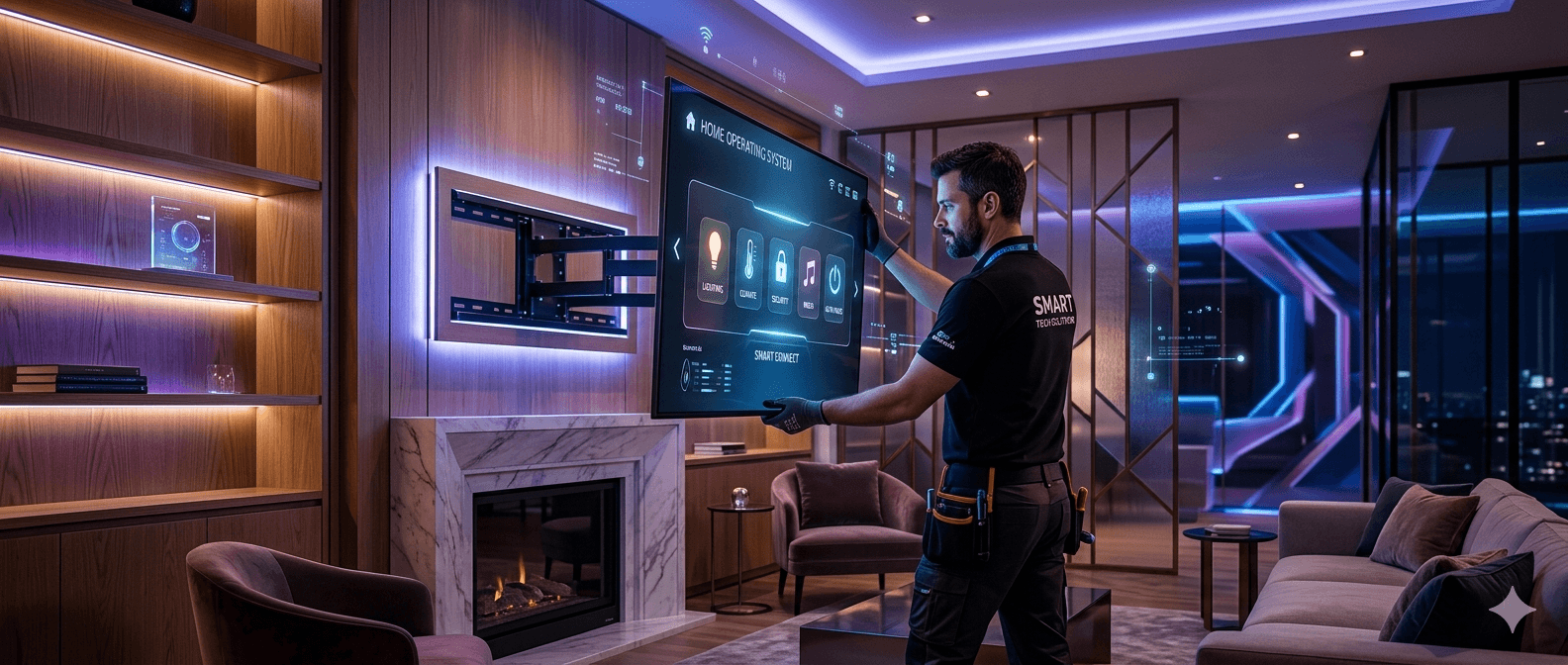
Expert Installation

Our certified technicians install and configure your devices professionally.

03
Enjoy Smart Living

Experience premium entertainment and smart home convenience instantly.

Why Choose SetupIQTV?

We focus on making Smart TV information clear and practical. Instead of complicated technical explanations, our resources organize common setup tasks into understandable steps so users can work through their device configuration with greater confidence.

Clear Technical Guidance

Straightforward information covering common television setup, connectivity, application, and configuration requirements.

Practical Troubleshooting

Helpful guidance for identifying common device and connection problems and understanding the steps that may resolve them.

User-Focused Information

Information is presented in a simple format so users can understand their options without unnecessary technical jargon.

Common Smart TV Problems

Smart TVs combine internet connectivity, applications, software, accounts, and external devices. Problems with any of these components can affect normal operation. The following are some common situations users may encounter.

Wi-Fi connection interruptions
Television unable to detect a network
Applications failing to open or load
Application installation difficulties
Account sign-in or verification problems
Software update notifications or errors
Remote control pairing difficulties
External device connection problems
Slow or inconsistent streaming performance
Picture, sound, or system configuration concerns

Devices and Platforms

Smart TV technology is available across many types of televisions and connected entertainment devices. Our informational resources cover general setup principles that can apply across different models, operating systems, and supported platforms.

Smart Televisions

General guidance for configuring connected televisions, system preferences, network access, and supported applications.

Streaming Devices

Setup information for compatible media players and other devices used to access online entertainment services.

Android-Based TV Systems

Practical information for supported Android-based television environments, applications, accounts, and device settings.

Connected Entertainment Systems

Guidance for devices that depend on an internet connection for applications, updates, and online entertainment features.

Because menus and available features can differ between models, users should always refer to the instructions and support resources provided by their device manufacturer when model-specific assistance is required.

A Simple Setup Process

Following a logical order can make Smart TV configuration easier. These general stages provide a useful starting point when preparing a television or connected entertainment device for everyday use.

1
Prepare the Device
2
Connect to the Network
3
Configure System Settings
4
Install Required Applications
5
Test the Final Setup
After completing these stages, check the internet connection, installed applications, remote control, audio, picture settings, and available software updates before regular use.

Smart TV Frequently Asked Questions

Helpful answers to common questions about television setup, connectivity, applications, software, and everyday device use.

What should I check when setting up a new Smart TV?

Begin with the basic television settings, connect the device to a reliable internet network, check for system updates, and review the available application options. Following the manufacturer's setup instructions is recommended for model-specific features.

What can I do if my TV cannot connect to Wi-Fi?

Confirm that the Wi-Fi network is working correctly, recheck the password, restart the router and television, and make sure the TV is within a suitable range of the wireless signal. If the issue continues, check the network settings provided by the manufacturer.

Why will an application not install on my TV?

Check your internet connection, available storage, device compatibility, and the application's official store listing. Updating the television software may also help when an application requires a newer system version.

How can I keep my Smart TV software current?

Open the television's settings and look for the software update or system update section. If an update is available, follow the on-screen instructions and keep the device connected to power during the process.

What can cause slow streaming performance?

Slow streaming can be related to network congestion, weak wireless coverage, router performance, application issues, or temporary service conditions. Testing the connection and restarting network equipment can help identify the source of the problem.

Independent Information Resource

SetupIQTV offers general educational information and technical guidance concerning Smart TV configuration, connectivity, applications, and related device features. We operate independently and are not affiliated with, authorized by, endorsed by, or sponsored by television manufacturers, application providers, streaming platforms, or other third-party brands referenced on this website. All trademarks and brand names remain the property of their respective owners.

Need Help With Your Smart TV Setup?

If you are having difficulty configuring your television, connecting it to the internet, installing an application, or understanding a device setting, our resources can help you identify the appropriate setup steps. Reach out to our team for general technical guidance and information designed to make Smart TV configuration easier to understand.

Contact Us

Ready To Upgrade Your Setup?

Book professional TV installation and smart home services today.

Contact Now